
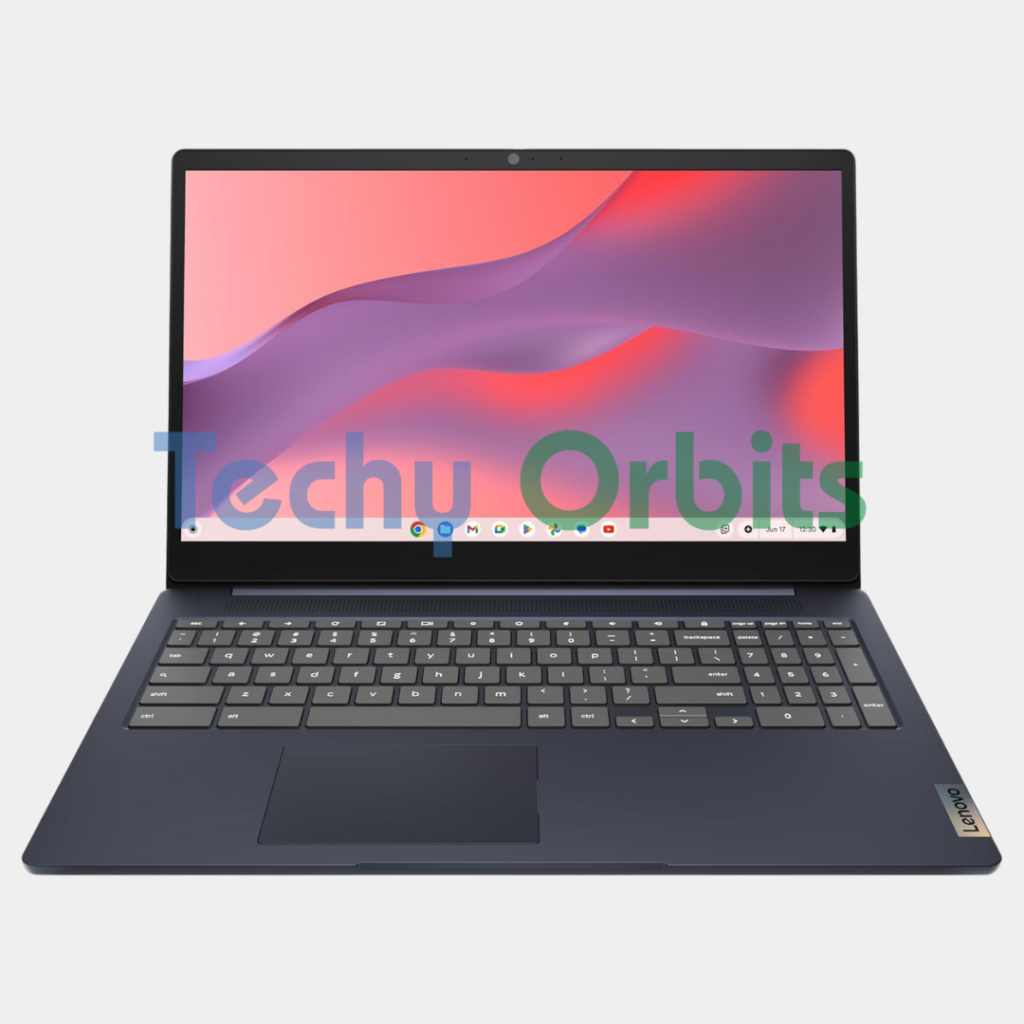

About this item
Lenovo IdeaPad 3i Chromebook – Ideal for Students and Everyday Use
The Lenovo IdeaPad 3i Chromebook is a lightweight and budget‑friendly laptop powered by Chrome OS, designed for everyday tasks like web browsing, streaming, schoolwork, and productivity. With instant‑on performance, long battery life, and seamless integration with Google apps, this Chromebook offers a simple and efficient computing experience for students, professionals, and casual users alike.
Key Features of Lenovo IdeaPad 3i Chromebook
Chrome OS Operating System: Fast boot‑up and smooth performance with automatic updates and built‑in security.
Portable and Lightweight: Slim and compact design makes it easy to carry to school, work, and travel.
Long Battery Life: Enjoy all‑day productivity and entertainment without frequent charging.
Bright Display: Clear, vibrant screen ideal for video calls, streaming, and web browsing.
Google Integration: Comes with Gmail, Google Docs, Sheets, Drive, and more for seamless productivity.
Fast Performance: Efficient processor and ample RAM keep everyday tasks smooth and responsive.
Why Choose the Lenovo IdeaPad 3i Chromebook?
The IdeaPad 3i Chromebook is perfect for users who want a simple, reliable, and secure laptop without the complexity of traditional operating systems. Chrome OS loads quickly and keeps performance optimized, while automatic updates ensure the system stays secure. With its lightweight design and long battery life, it’s ideal for students, remote workers, and everyday users who want a device that “just works” without heavy hardware requirements.
Pros of Lenovo IdeaPad 3i Chromebook
Fast and secure Chrome OS experience.
Great battery life for on‑the‑go use.
Lightweight and portable design.
Seamless integration with Google services.
Easy to use for all ages.
Cons of Lenovo IdeaPad 3i Chromebook
Not ideal for heavy video editing or gaming.
Limited offline software compared to traditional laptops.
Apps are mostly web‑based or Android apps, not full desktop programs.